CDiPhone is not a confirmed Apple product. The name doesn’t appear in Apple’s official iPhone model guide, and the articles that use it don’t agree on what it means. Some describe an imagined device; others use the term when talking about playing music from CDs on an iPhone. There’s no verified CDiPhone release date, price, or spec sheet to compare.
There’s a better story behind the search. Apple already makes iPhones that can help translate a sign through the camera or turn the date on an event poster into a calendar entry. Those features give us something more useful than a speculative name: a chance to see where a smarter phone helps, and where it still needs you to check its work.
What Is CDiPhone?
CDiPhone is an unofficial term with no established definition in the sources reviewed. One interpretation treats it as a future iPhone concept. Another reads “CD” literally and uses the name to discuss getting an existing music collection onto a phone. The spelling alone doesn’t tell you which meaning a writer intended.
That matters when a headline starts to sound like a product announcement. A concept can make for an interesting design exercise: What if the phone could take something you see and carry out the next step? A claim that Apple is building a particular device needs different evidence. If a post promises specifications or a launch date, look for an Apple announcement or reliable reporting that explains where the information came from. The same name appearing on several websites doesn’t establish that they’ve confirmed it independently.
CDiPhone vs. iPhone: What Can You Verify?

With a real iPhone, there’s a model name, a model number, and documentation you can check. If you see “CDiPhone” in a listing, ask for the exact model and compare it with Apple’s identification guide. If you have the phone in front of you, go to Settings → General → About. The model matters because it determines which features you can use.
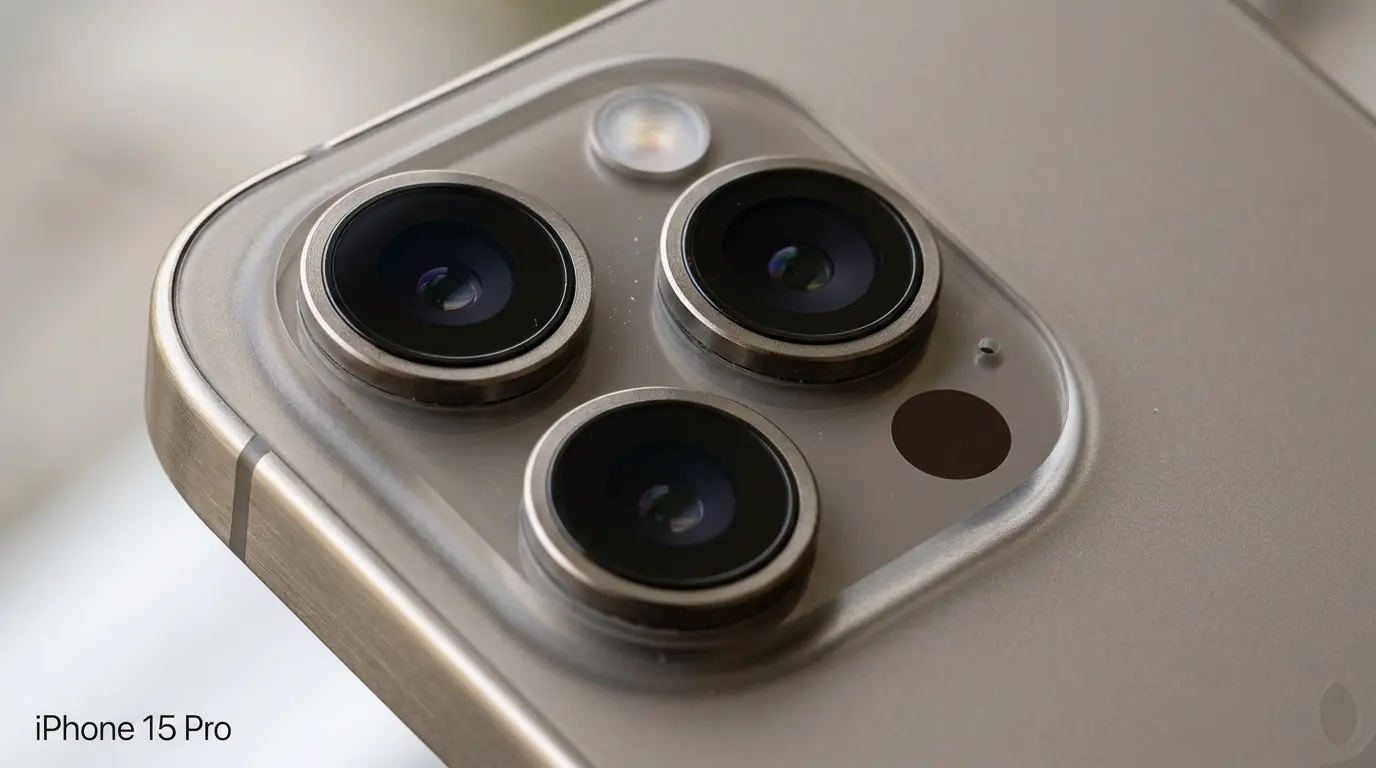
The same check applies to an image circulating online. A close-up of an iPhone camera might show an existing model, even if the accompanying headline gives it a different name.
What a Smarter iPhone Already Does
It can help you act on what you see
Picture yourself outside a restaurant, looking at a menu in a language you don’t read. A photo lets you save it for later. On a compatible iPhone, Visual Intelligence can help translate the text while you’re still deciding whether to go in. Apple also documents an option to add an event to your calendar from on-screen content when that action is available. In practice, that means less copying between the camera, search, and calendar.
There’s still a reason to look at the original. If a poster lists both the time the doors open and the time the show starts, check which one ends up in your calendar. A feature that saves you from typing the details is useful; you still get to decide which details matter.
It can handle part of a routine you already have
Apple’s Shortcuts app offers intelligent actions that can summarize text and pass the result to another step. If you regularly turn long notes into short recaps, for instance, you could set up a shortcut that summarizes a note and shows you the draft before you save it. You set up the sequence once and keep the chance to correct a missing deadline or a name it got wrong.
That’s a practical way to judge the appeal of future iPhone concepts. A new feature becomes easier to evaluate when you can point to a task you already do and say exactly which step it saves you.
What to Check Before Upgrading for Apple Intelligence
Start with the feature you would actually use. Apple lists requirements for the device, software, and supported languages, so check the specific feature on the model you own or plan to buy. For readers in the US and UK, it’s worth checking the documentation for your region and language settings before making a purchase.
It’s also useful to know where a request is handled. Apple says many Apple Intelligence tasks run on the device, while more demanding requests can use its Private Cloud Compute system. If you’re evaluating a feature for work or personal documents, Apple’s privacy guide is a better reference than a general claim that the phone does everything locally.
If You Came Here Looking for a Way to Play CDs
You can listen to music from an audio CD on an iPhone using a Mac and a compatible optical drive. Apple documents how to import tracks into the Mac’s Music app and then sync selected music to the iPhone through Finder. If you see Erase and Sync, pause and read the prompt: Apple says syncing with a different library can replace the existing synced content of that type.
Conclusion
A useful test for any future iPhone idea is whether you can picture reaching for it on an ordinary day. Reading a menu, saving the right time from a poster, or keeping a favorite album on your phone are all concrete needs. CDiPhone is an unconfirmed name, but the question it raises is a good one: what could your phone make easier the next time you take it out of your pocket?